How to Choose the Best Photo for a Picture Necklace
Learn how to choose the best photo for a picture necklace, including photo quality, lighting, cropping, face visibility, memorial photos, and custom necklace tips.
Use this guide to explore helpful information, options, and answers before choosing your personalized jewelry.
- 1Why Photo Choice Matters
- 2What Makes a Good Photo for a Picture Necklace?
- 3Close-Up vs Full-Body Photos
- 4Lighting, Clarity, and Background
- 5Can You Use Group Photos?
- 6Choosing Photos for Memorial Necklaces
- 7Can Old or Damaged Photos Be Enhanced?
- 8Matching the Photo to the Pendant Shape
- 9Common Photo Mistakes to Avoid
- 10Related Necklace Styles to Compare
- 11Before You Upload Your Photo
- 12Frequently Asked Questions
- 13Writer Bio
Choosing the right photo is one of the most important parts of creating a picture necklace. A clear, meaningful image can help the final pendant look more personal, more detailed, and easier to recognize. This guide explains what to look for before uploading a photo for a custom photo necklace.
Quick Answer
The best photo for a picture necklace is usually clear, bright, centered, and focused on the main person or subject. If your photo is old, faded, dark, or slightly unclear, Medallion Necklace also provides photo enhancement and restoration support where possible to help improve the image before it is placed into your custom necklace.
Key Takeaways
- Choose a clear, well-lit photo where the face or main subject is easy to see.
- Close-up images usually work better than full-body photos for smaller pendants.
- Avoid blurry, dark, heavily filtered, or crowded photos when possible.
- If you only have an old, faded, or slightly damaged photo, photo enhancement or restoration may help improve the final necklace image.
- The best result still starts with uploading the clearest version of the photo you have.
- For memorial necklaces, choose a photo that feels comforting, meaningful, and recognizable.
Why Photo Choice Matters
A picture necklace is small compared to a regular printed photo, so not every image will translate well. When an image is scaled down to fit inside a pendant, details may become harder to see.
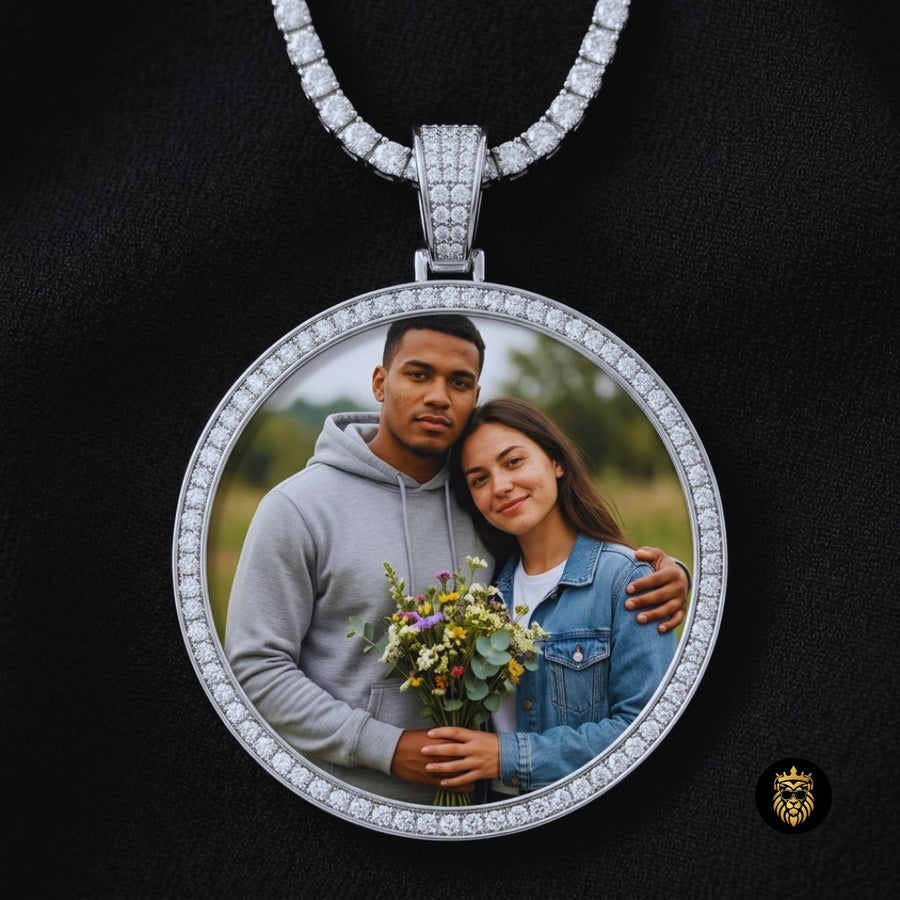
A good photo can make the pendant feel more personal and recognizable. If you are comparing different picture necklace styles, the Picture Necklace collection can help you understand how different pendant shapes display photos.
What Makes a Good Photo for a Picture Necklace?
To get the best result for your custom photo necklace, look for these main qualities in a strong photo:
- Clear focus on the subject
- Good, natural lighting
- Main subject centered in the frame
- Face clearly visible and unobstructed
- Simple background that doesn't distract
- Not too many people (1-2 is ideal for most pendants)
- Natural expression that captures their personality
- Enough space around the face for cropping
Helpful Tip
Before uploading a photo, zoom in on the face or main subject. If the details still look clear when zoomed in, the image is more likely to work well for a custom photo necklace.
Close-Up vs Full-Body Photos
When a Close-Up Photo Works Best
Close-ups are usually better for smaller pendants, heart necklaces, and memorial keepsakes because the face stays easier to see. When the pendant is only an inch or two wide, a close-up ensures the person's features remain distinct and recognizable.When a Full-Body Photo May Work
Full-body photos can work better on larger pendants or when the setting has emotional meaning, such as a wedding, graduation, family event, or special memory. If the location or the outfits are a crucial part of the story, a wider shot might be the right choice.Best Rule to Follow
**If the face or subject is the most important part of the photo, choose a close-up. If the place, outfit, or full moment matters, choose a wider photo — but make sure the important details are still visible.**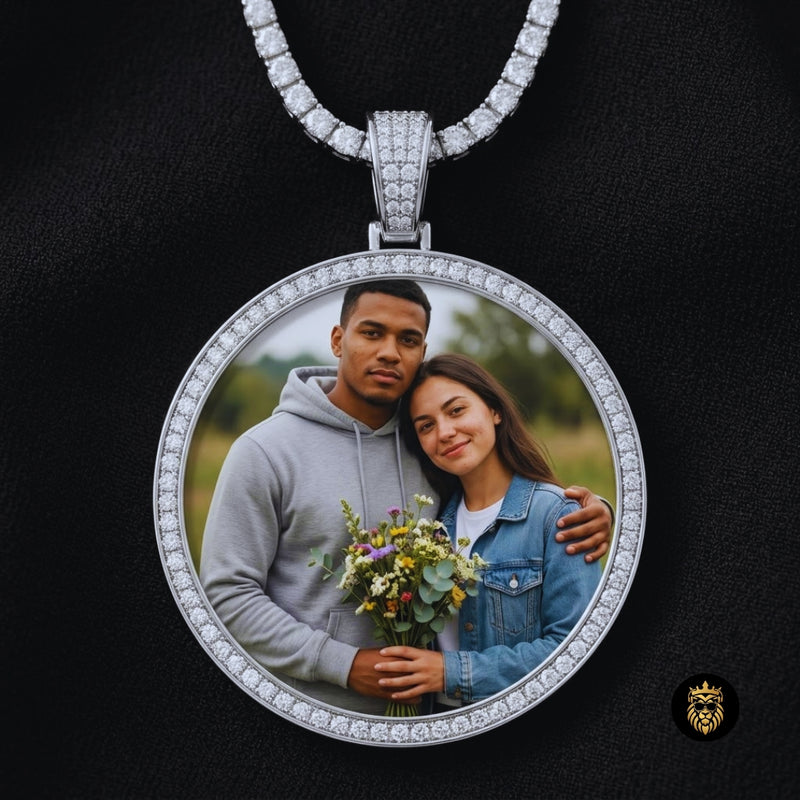
Lighting, Clarity, and Background
Lighting can completely change how a photo looks inside a piece of jewelry.
- Natural light usually looks cleaner and more vibrant.
- Avoid very dark photos where details are lost in shadow.
- Avoid harsh shadows across the face.
- Avoid blurry screenshots or downloaded thumbnails.
- Avoid low-resolution images that pixelate when printed.
- Simple backgrounds help the subject stand out.
- Heavy filters may change the final look and reduce clarity.
Helpful Tip
A simple photo with good lighting often looks better in a pendant than a busy photo with too many details. The goal is not just a beautiful photo — it is a photo that stays clear when resized.
Can You Use Group Photos?
Group photos can work, but they are not always ideal depending on the size of the jewelry.
- 2 people can work well for couple necklaces or parent-child gifts.
- 3 people may work if the pendant is large enough (like a 45mm medallion).
- Large group photos may lose detail, making individual faces hard to see.
- If you must use a group photo, try to crop around the most important people.
- Use group photos carefully for family or memorial gifts to ensure the main subject remains clear.
If you are looking for ideas for two people, explore Gifts for Couples or Family Necklaces.
Choosing Photos for Memorial Necklaces
For memorial necklaces, the best photo is not only about technical quality. It should also feel comforting, peaceful, and meaningful.
When choosing a photo to remember a parent, grandparent, sibling, child, spouse, friend, or pet, consider:
- A favorite portrait that captures their true personality
- A smiling photo that brings back good memories
- A photo from a meaningful day you shared together
- A photo that brings you peace when you look at it
For memorial necklaces, customers sometimes use older family photos or photos of loved ones that may not be perfectly clear. If the image is faded, slightly dark, or needs small improvements, photo enhancement or restoration may help make the picture more suitable for the pendant.
For remembrance-focused keepsakes, memorial necklaces with pictures can offer a quiet way to keep a meaningful image close.
Can Old or Damaged Photos Be Enhanced?
Many meaningful photos are not perfect. Some people only have an old family photo, a faded memorial image, a screenshot, or a picture taken years ago. That does not always mean the photo cannot be used.
Medallion Necklace provides photo enhancement and restoration support where possible before placing the image into a custom photo necklace.
Photo enhancement may help with:
- Brightness adjustment
- Contrast improvement
- Light sharpening
- Cropping and centering
- Improving face visibility
- Reducing faded appearance
- Cleaning up minor marks or imperfections
- Preparing the photo for pendant placement
Photo restoration may be helpful for:
- Old family photos
- Faded portraits
- Memorial photos
- Scanned printed photos
- Photos with minor scratches or marks
- Images that need better clarity before being used in jewelry
Photo enhancement can improve many images, but it cannot turn every low-quality photo into a perfect high-resolution image. For the best result, upload the clearest version you have. If the photo needs support, the Medallion Necklace team can review it and improve it where possible before creating the necklace.
Helpful Tip
If you only have an older printed photo, scan it or take a new photo of it in bright natural light. Keep the photo flat, avoid glare, and make sure the face or main subject is sharp before uploading.
Matching the Photo to the Pendant Shape
The shape of the pendant will dictate how your image is cropped.
Round Medallions
Best for centered portraits, couple photos, and balanced images. The circular crop works well for almost any standard photo. *Explore Picture Necklaces.*Heart Necklaces
Best for romantic gifts, family gifts, and emotional close-up photos. Keep in mind that the top center and bottom point of the heart will crop out parts of the image, so the faces need to be centered. *Explore Heart Necklaces.*Wing or Angel-Inspired Designs
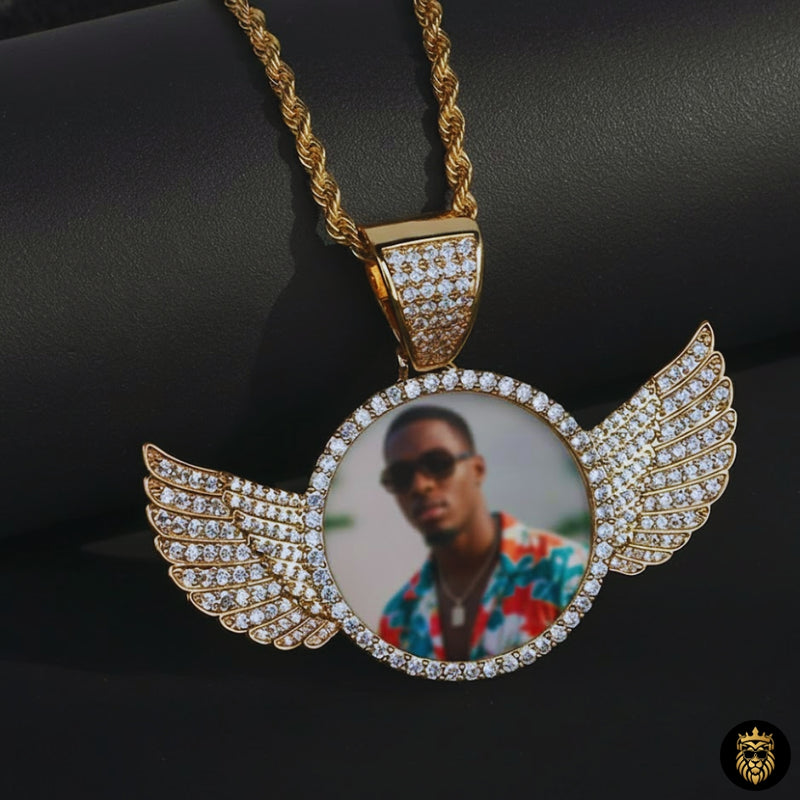
Best for sentimental, memorial, faith-inspired, or remembrance-style keepsakes. These often feature round or heart-shaped photo areas framed by wings. *Explore the Angel Wings Heart Custom Photo Necklace.*Larger Iced-Out Medallions
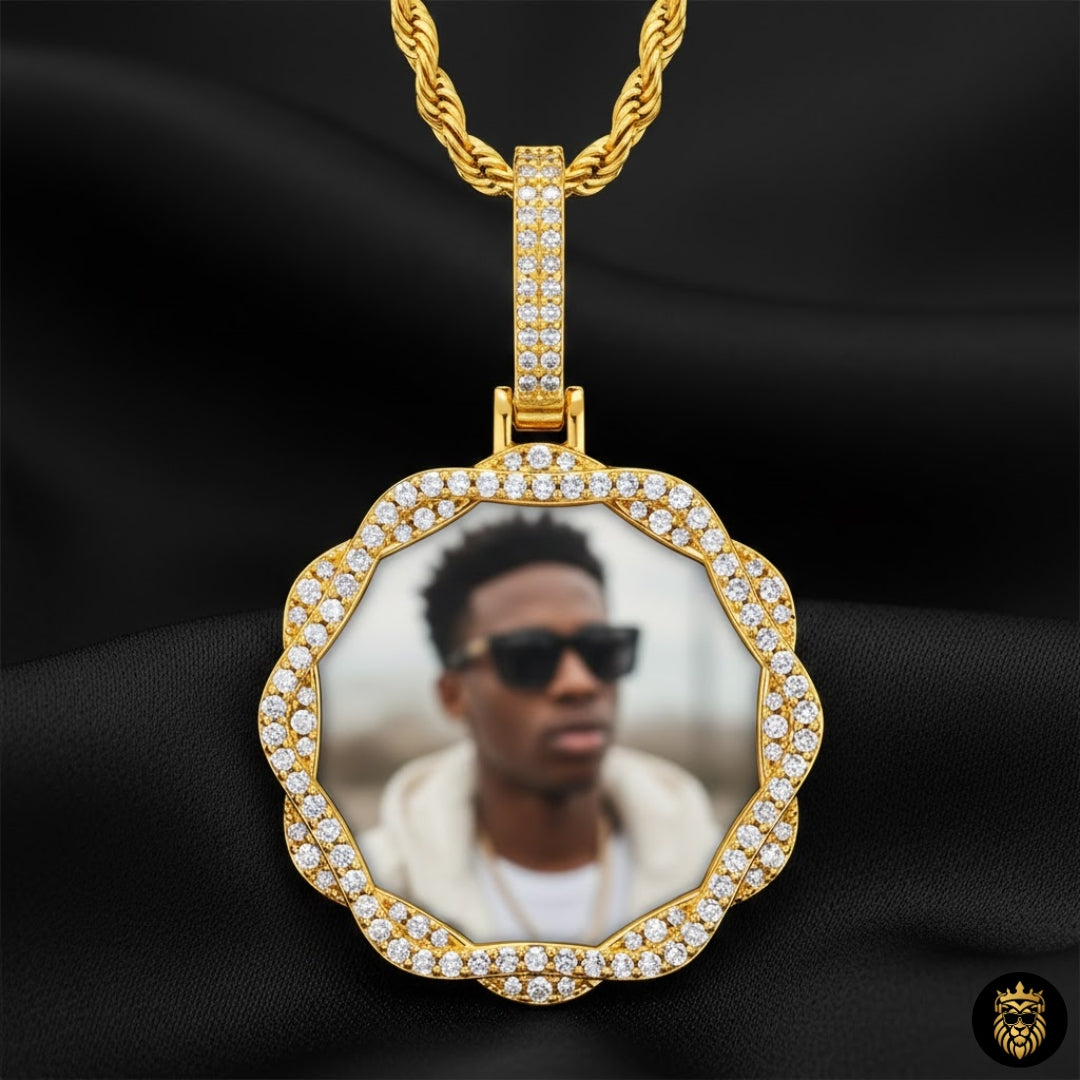
Best for bold style, streetwear-inspired looks, and larger photo presentation. The larger surface area allows for slightly wider shots or group photos of 2-3 people. *Explore Diamond Picture Pendants.*Common Photo Mistakes to Avoid
To ensure your custom photo necklace turns out perfectly, try to avoid these common mistakes:
- Uploading a blurry image
- Using a very dark photo
- Choosing a photo where the face is too far away
- Using screenshots with poor resolution
- Using photos with too many people
- Choosing a photo with a busy background
- Cropping too tightly around the head (leave some space for the jeweler to work with)
- Using heavy filters that distort features
- Choosing a photo that does not match the pendant shape
- Waiting until the last minute for a custom gift
- Assuming a very blurry or tiny image can always be fully restored
Photo enhancement can help in many situations, but the original image quality still matters. Upload the clearest photo available whenever possible.
Related Necklace Styles to Compare
Once you have a photo in mind, the next step is choosing a necklace style that fits the image, the person, and the meaning behind the gift. If your image needs improvement, photo enhancement or restoration support can be considered before the photo is placed into the selected necklace style. Here are a few Medallion Necklace styles that may be helpful to compare.
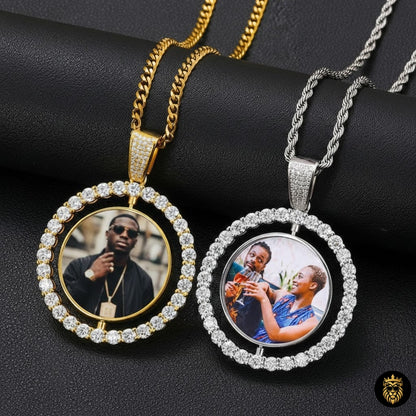
Custom Moissanite Photo Medallion Necklace
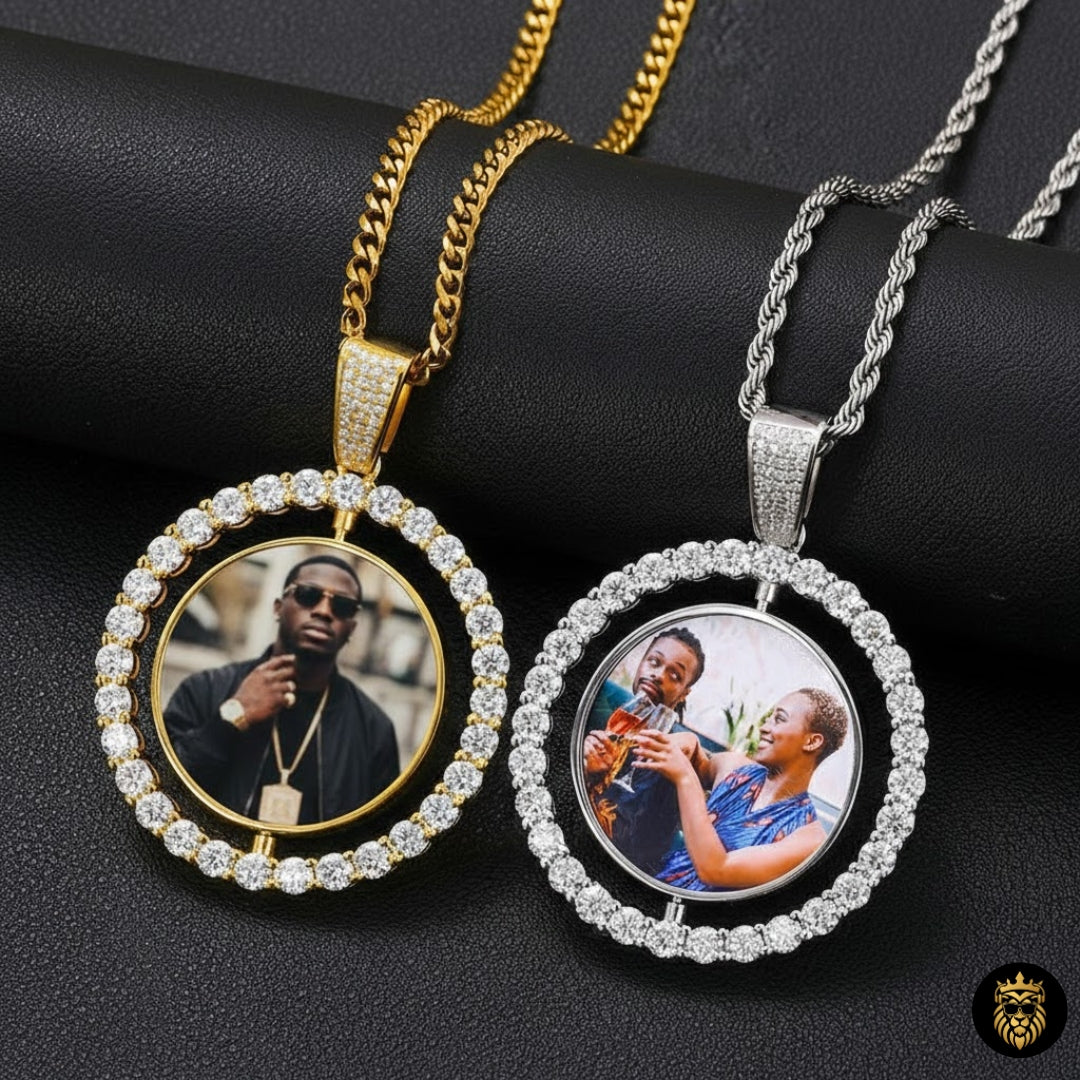
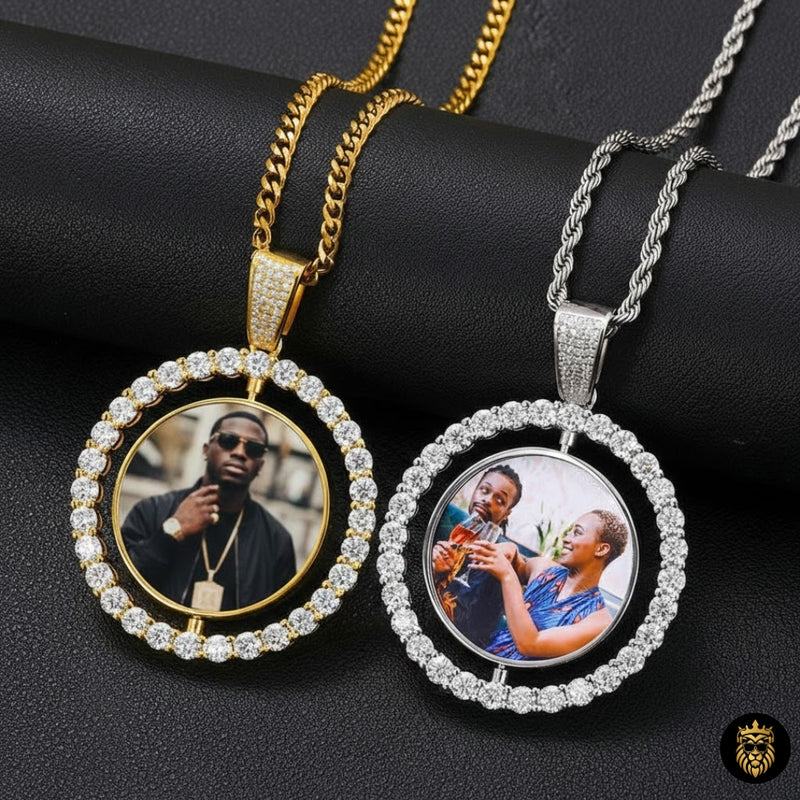
A rotating double-sided pendant style that can be helpful if you want to include more than one meaningful image.
View Necklace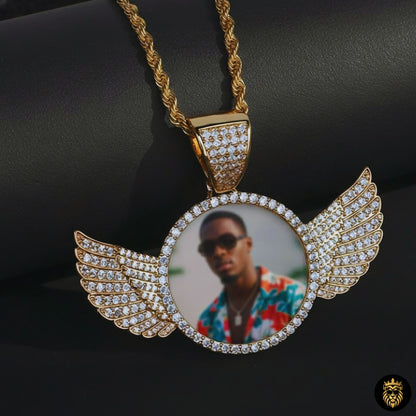
Angel Wings Heart Custom Photo Necklace
A sentimental wing and heart design that may be meaningful for remembrance, family, or emotional gift photos.
View Necklace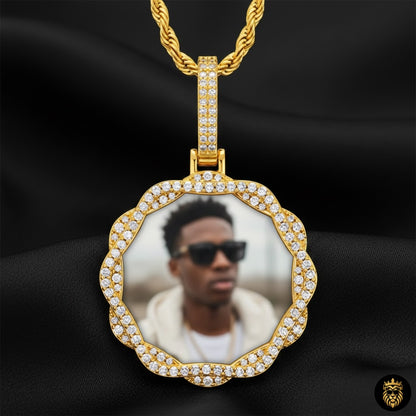
Picture Necklace Collection
A helpful starting point for comparing different custom picture necklace shapes, sizes, finishes, and styles.
View CollectionMemorial Necklace With Picture Collection
A thoughtful collection to compare if your photo is being used for a remembrance or memory keepsake.
View CollectionBefore You Upload Your Photo
Before confirming your order, run through this quick checklist:
- Is this the clearest version of the photo you have?
- Is there an original file instead of a screenshot?
- If it is an old printed photo, can you scan it or retake it in better lighting?
- Does the photo need brightness, clarity, cropping, or restoration support?
- Are there major marks, scratches, or fading that should be reviewed before production?
- Does the image match the pendant shape?
- Is this the image that best represents the person, memory, or gift?
If your photo is meaningful but not perfect, do not give up right away. Upload the best version you have, and photo enhancement or restoration support may help prepare it for your custom necklace.
Not every meaningful photo is professionally taken. Some of the most important images are older, faded, or imperfect. If your photo needs support, Medallion Necklace can review it for enhancement or restoration before creating your custom photo necklace.
Ready to Compare Picture Necklace Styles?
After choosing your photo, you can explore different picture necklace styles from Medallion Necklace and compare shapes, finishes, and pendant designs that fit your image.
Explore Picture NecklacesFrequently Asked Questions
What is the best photo for a picture necklace?
The best photo for a picture necklace is usually clear, bright, centered, and focused on the main person or subject. Close-up photos often work better because the details stay easier to see after the image is resized into the pendant.
Can Medallion Necklace enhance my photo before making the necklace?
Yes, Medallion Necklace provides photo enhancement support where possible. This may include improving brightness, contrast, cropping, centering, and overall visibility before the photo is placed into the necklace.
Can an old or faded photo be restored for a custom necklace?
In many cases, older or faded photos can be reviewed for restoration support. Minor fading, low contrast, small marks, or lighting issues may sometimes be improved. However, restoration depends on the quality of the original image.
Can a blurry photo be fixed for a picture necklace?
Slightly unclear photos may sometimes be improved, but very blurry or very small images may still have limited detail. For the best result, upload the clearest version of the photo you have.
Can I use a full-body photo for a custom photo necklace?
A full-body photo can work, especially for larger pendants or meaningful event photos. However, if the face is the most important part of the image, a closer portrait usually works better.
Can I use a group photo for a picture necklace?
Small group photos can work, especially couple or family photos. Large group photos may lose detail because the image has to fit inside a small pendant.
What photo should I choose for a memorial necklace?
For a memorial necklace, choose a photo that feels comforting and meaningful. A clear portrait, a favorite smile, or a photo from a special memory can be a thoughtful choice. If the photo is older or faded, photo restoration support may help improve it where possible.
Do I need a professional photo for a picture necklace?
No. A professional photo is not always necessary. A clear phone photo with good lighting and a visible subject can often work well for a custom photo necklace. If needed, photo enhancement may help prepare the image before production.
Writer Bio
Medallion Necklace Editorial Team
The Medallion Necklace Editorial Team creates helpful guides on custom photo jewelry, memorial necklaces, personalized gifts, engraving ideas, and keepsake styling. Our content is written to help shoppers understand their options, compare meaningful jewelry styles, and choose personalized pieces with confidence.
This guide is for jewelry education and gift inspiration. Product details, availability, pricing, customization options, and shipping information may change, so always review the product page before ordering.
Related Guides
What Is a Custom Photo Medallion Necklace? A Complete Guide
Learn what a custom photo medallion necklace is, how picture necklaces work, and what styles to compare.
Memorial Necklace With Picture: A Meaningful Keepsake Guide
A gentle guide to choosing memory jewelry to honor and remember a loved one.
What to Engrave on a Custom Photo Necklace
Discover meaningful quotes, dates, and messages to engrave on the back of your personalized medallion.